 01
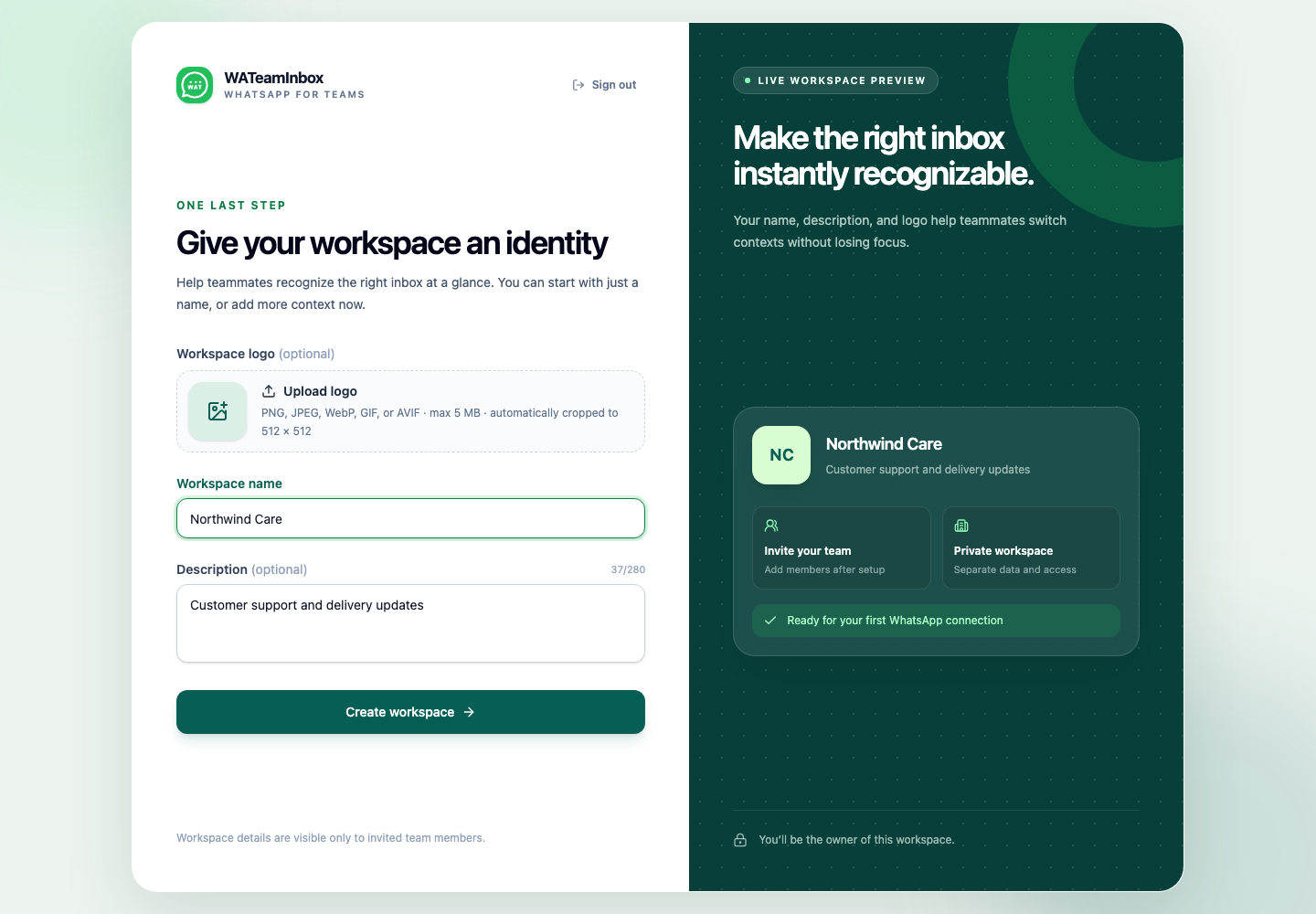
01Get started with WATeamInbox Cloud
Create a workspace, verify your email, and make your first shared WhatsApp inbox ready for the team.
Read the guideWATeamInbox guides
Short, practical walkthroughs for the parts of a shared WhatsApp inbox your team will use every day. Start with setup, then jump to the workflow in front of you.
Feature by feature
9 guides read at your pace
01Create a workspace, verify your email, and make your first shared WhatsApp inbox ready for the team.
Read the guide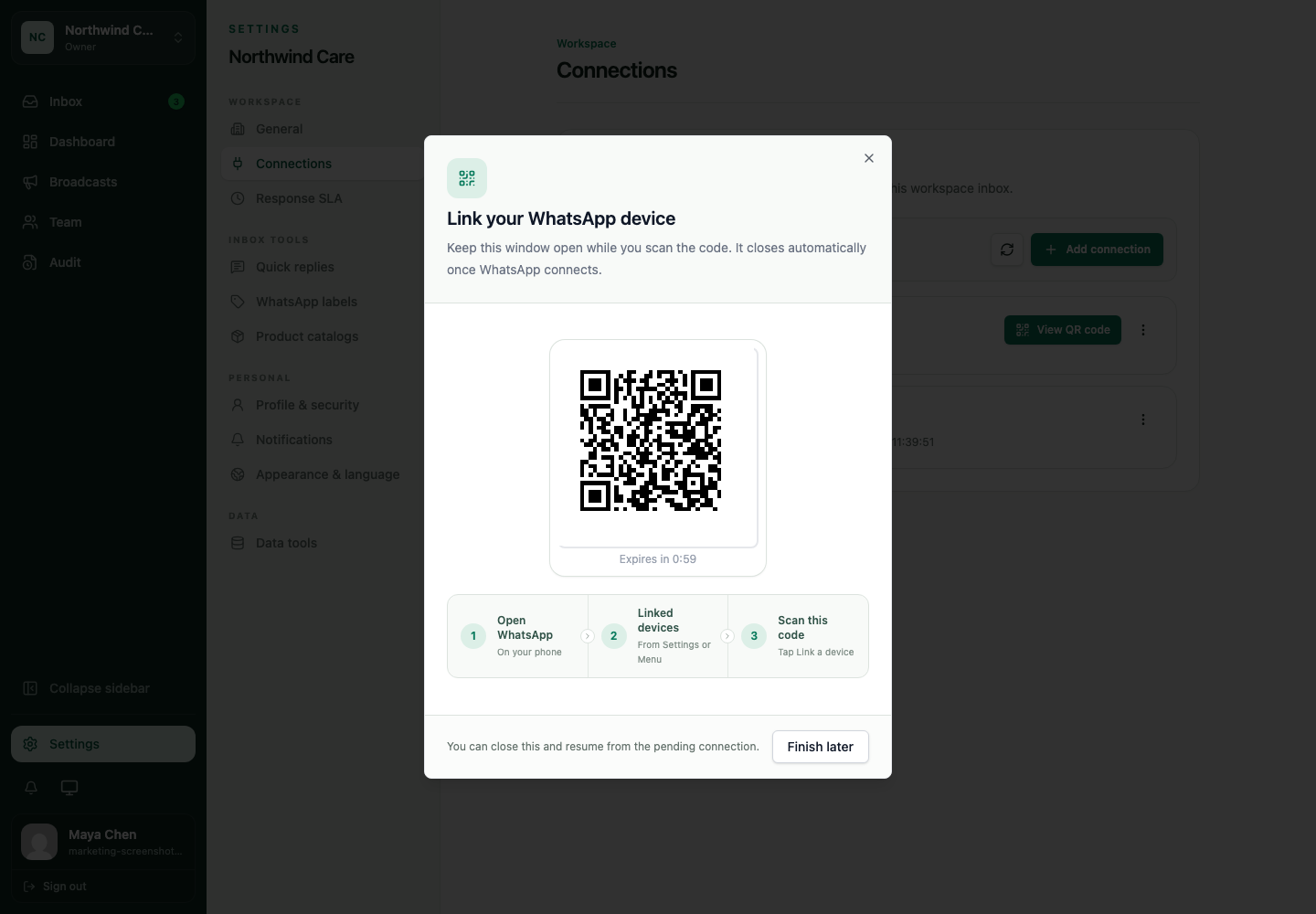 02
02Pair a WhatsApp device with WATeamInbox, wait for the first sync, and understand what happens when a connection changes state.
Read the guide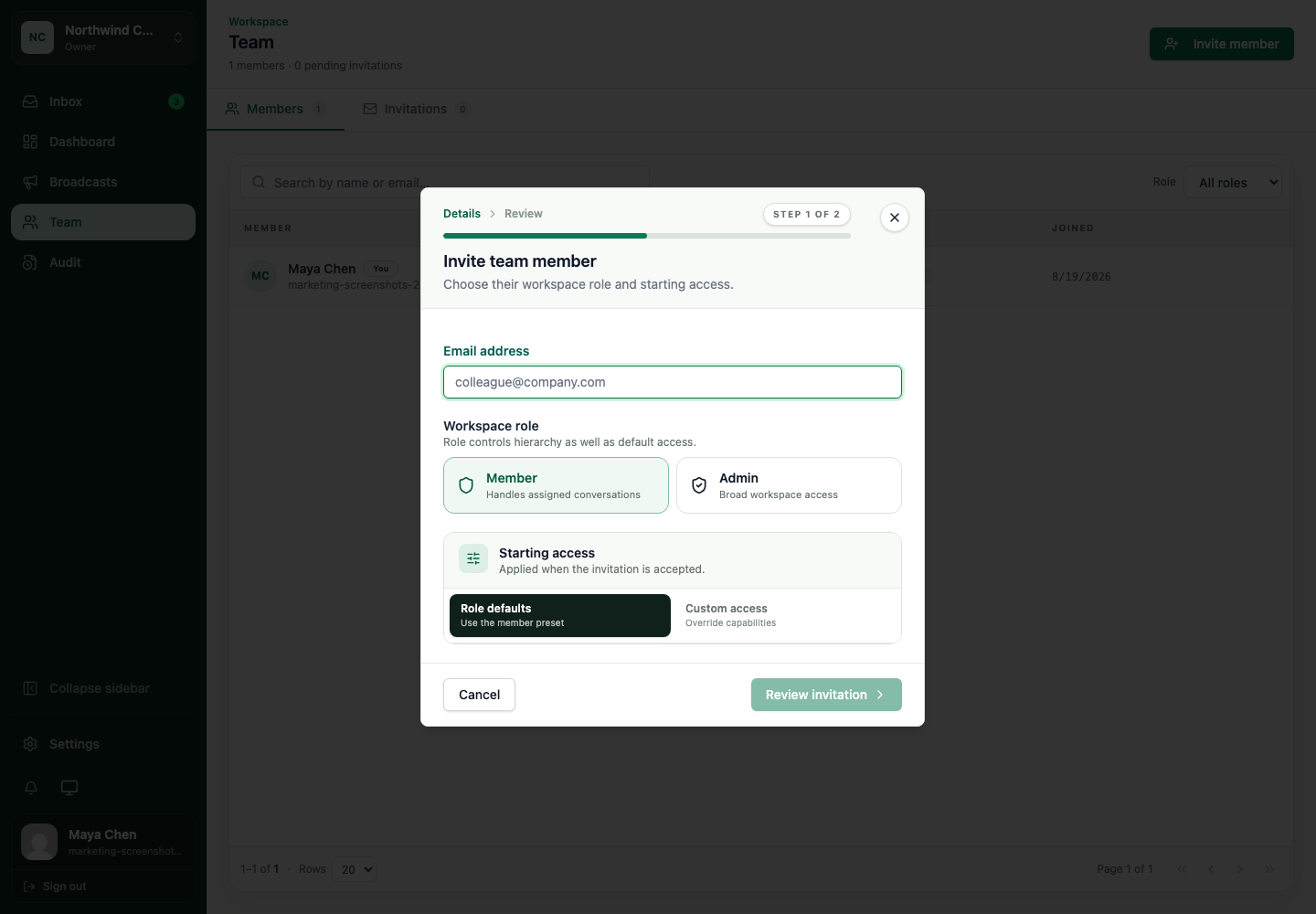 03
03Add teammates to WATeamInbox, choose a workspace role, and start with access that matches the work they actually do.
Read the guide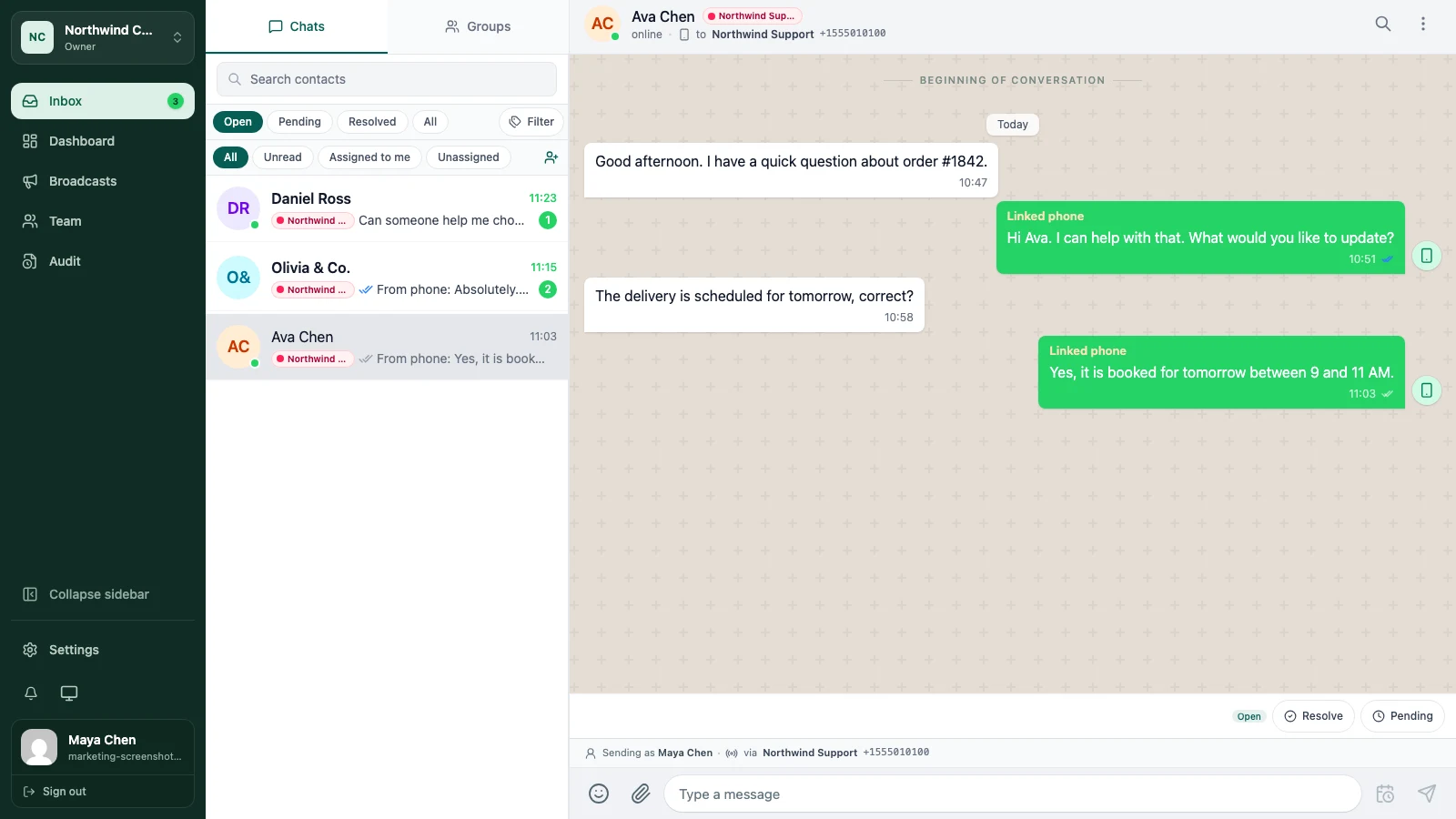 04
04Learn the daily inbox loop: find the right conversation, read the history, reply with context, and close the work clearly.
Read the guide05Give every active conversation an owner, leave useful context, and make shift changes easier with visible assignments.
Read the guide06Keep team context beside the WhatsApp conversation with shared notes, private notes, and tags that make follow-up easier.
Read the guide07Search the inbox for an older customer message and use saved replies without making every answer sound like a template.
Read the guide08Plan a message for later or prepare a permission-gated broadcast while keeping timing, consent, and delivery risk visible.
Read the guide09Use inbox filters, assignments, notes, and conversation status to hand a WhatsApp support queue to the next person without losing context.
Read the guidePut it into practice
Create a small workspace, connect a low-risk number, and try one assignment with a teammate. If the workflow fits, the rest of the team can follow the same path.