Run your inbox from your AI
WATeamInbox ships a built-in MCP server, so the AI clients you already use can search, draft, and send — bounded by the same roles, permissions, and audit trail as your team.
- Open source · MIT
- WhatsApp + Telegram
- Cloud from $39/mo

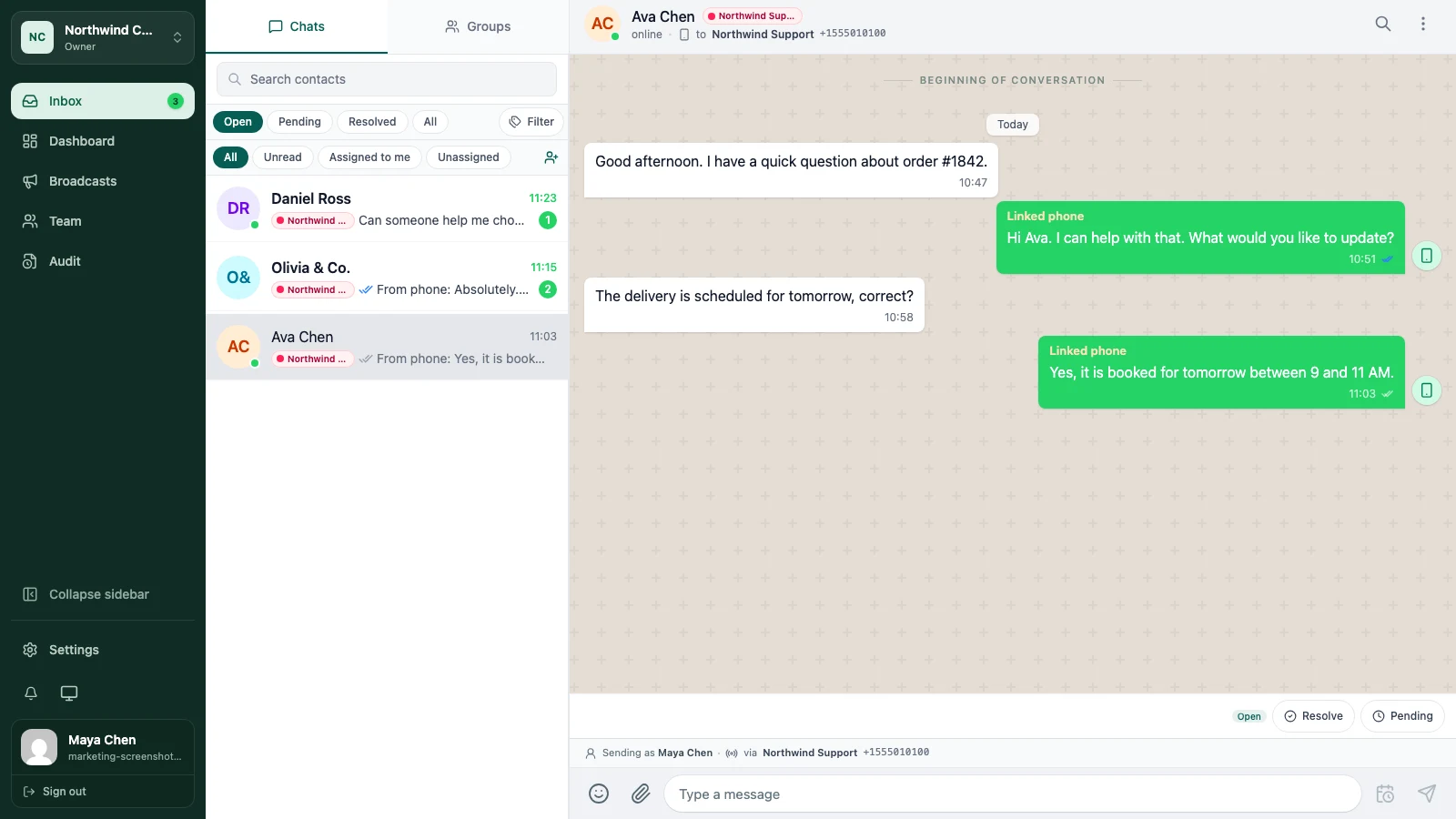
Your team already lives in AI tools — ChatGPT, Claude, Gemini, or Cursor. WATeamInbox meets them there. A built-in MCP server lets any of those clients search conversations, draft replies, and send messages from your real inbox, without a separate integration to build or a bot platform to learn.
The difference is that the agent never gets a blank cheque. It acts as a teammate you issued a token to — with the same role, the same limits, and the same record of what it did.
The problem with AI bolted on
- Most “AI inbox” add-ons are a black box: you cannot see what the agent can touch, and it often runs with far more access than any human teammate.
- Scripts and integrations use one shared admin key, so there is no way to scope a bot to read-only, and no clean way to shut it off.
- When something goes out, nobody can tell whether a person or a model sent it — there is no record tying the action to a token.
How WATeamInbox helps
A built-in MCP server, nothing to build
WATeamInbox speaks the Model Context Protocol out of the box. Point ChatGPT, Claude, Gemini, Cursor, or any MCP client at your workspace with a token — no middleware, no custom API glue, no separate bot runtime to host.
Scoped tokens that inherit real permissions
Every connection uses an API token you issue, and that token inherits the role and permissions of the person who created it. An agent can only see the conversations that teammate can see, and only do what that teammate is allowed to do — nothing more.
Read-only or write, expiring and revocable
Give a token read-only scope to let an agent search and summarise, or write scope to let it draft and send. Set tokens to expire, and revoke any of them the moment you need to — the connection stops immediately, with no leftover access.
The same audit trail as everyone else
Actions taken through MCP land in the same audit trail as human teammates. You can always see what moved, when, and under which token — so an agent is accountable exactly like a person on the team.
Humans stay in control
Agents act within permissions, not above them. You decide what each token can reach, keep ownership and handoffs in human hands, and use the AI to move work forward — never to run unsupervised over your whole inbox.
Why teams choose WATeamInbox
- Connect the AI clients you already use — ChatGPT, Claude, Gemini, Cursor — over an open standard.
- Real guardrails: scoped, expiring, revocable tokens bounded by actual roles and permissions.
- Full accountability — every agent action is in the same audit trail as your team.
- Included on every plan and in the open-source edition, with no extra agent fee.
FAQ
Which AI clients can I connect? Any MCP client. That includes ChatGPT, Claude, Gemini, and Cursor today, plus anything else that speaks the Model Context Protocol. See the walkthrough: connect ChatGPT or Claude to WhatsApp over MCP.
Can an agent do things my team is not allowed to do? No. A token inherits the role and permissions of the person who created it, so an agent only sees and does what that teammate could. Give it read-only scope, set it to expire, and revoke it any time. It all lands in the same audit trail — see the shared team inbox and customer support use cases.
Does it cost extra to connect an AI agent? No. The MCP server is included on every plan and in the open-source edition, with no per-agent fee. See pricing and the docs.
Start today